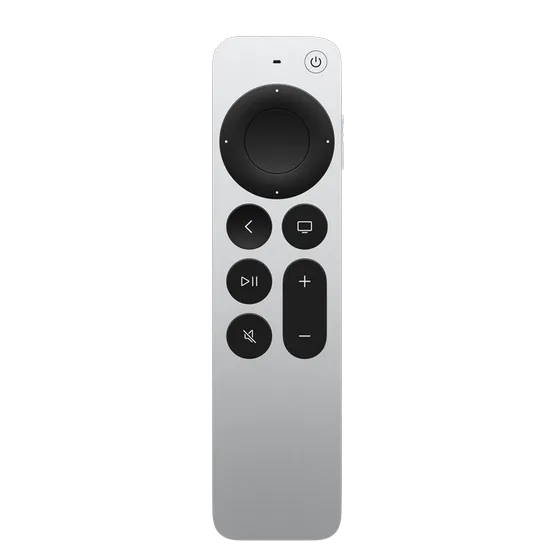
SayRemote + Siri Remote
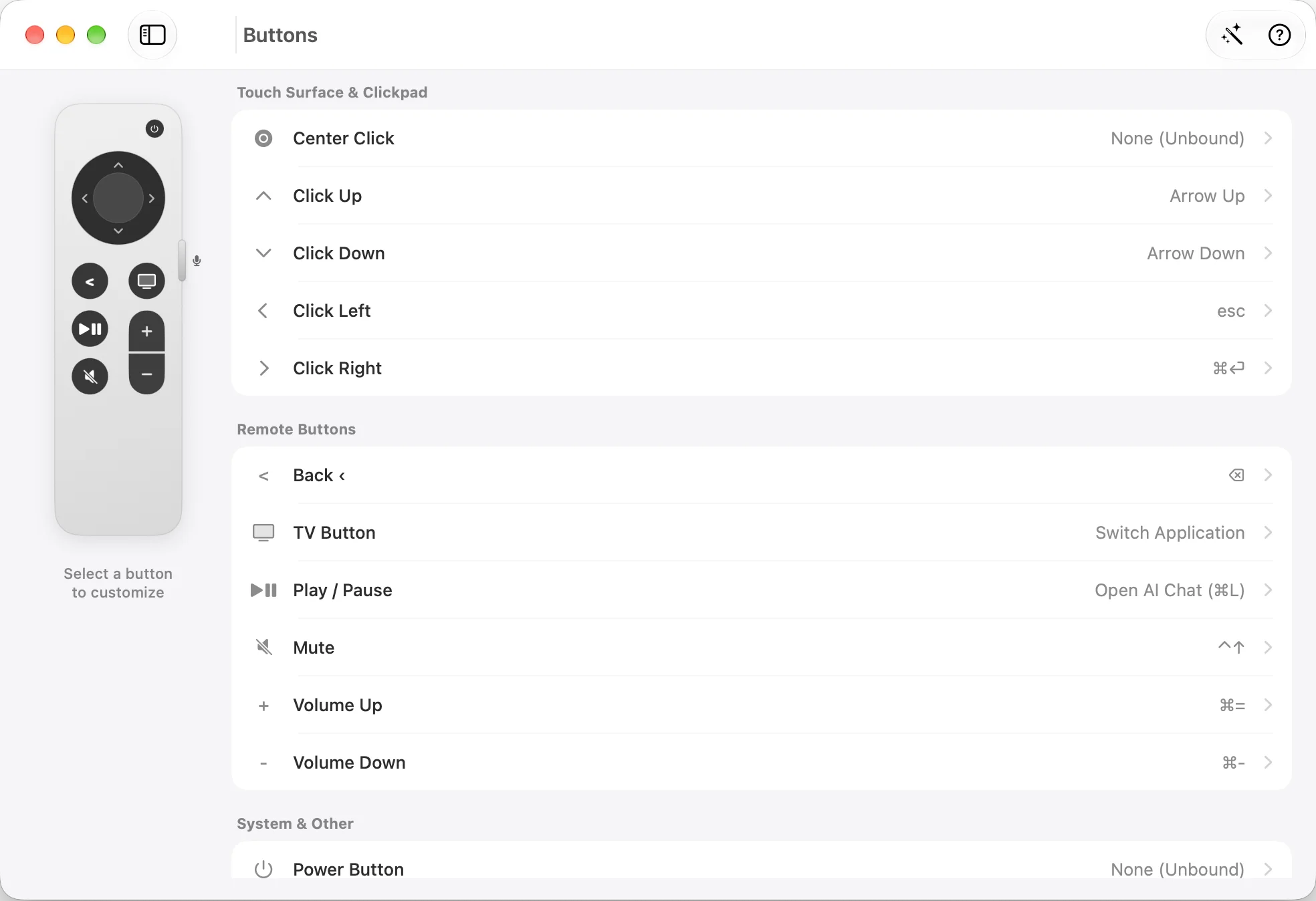
- How you control it
- Clickpad pointer, ring scrolling and mapped buttons
- Voice setup
- Mac mic first; remote mic needs advanced setup
- Platform
- Mac; included download is Apple silicon, macOS 13+
- Total cost
- Planned $19 app + Siri Remote + any AI usage fees
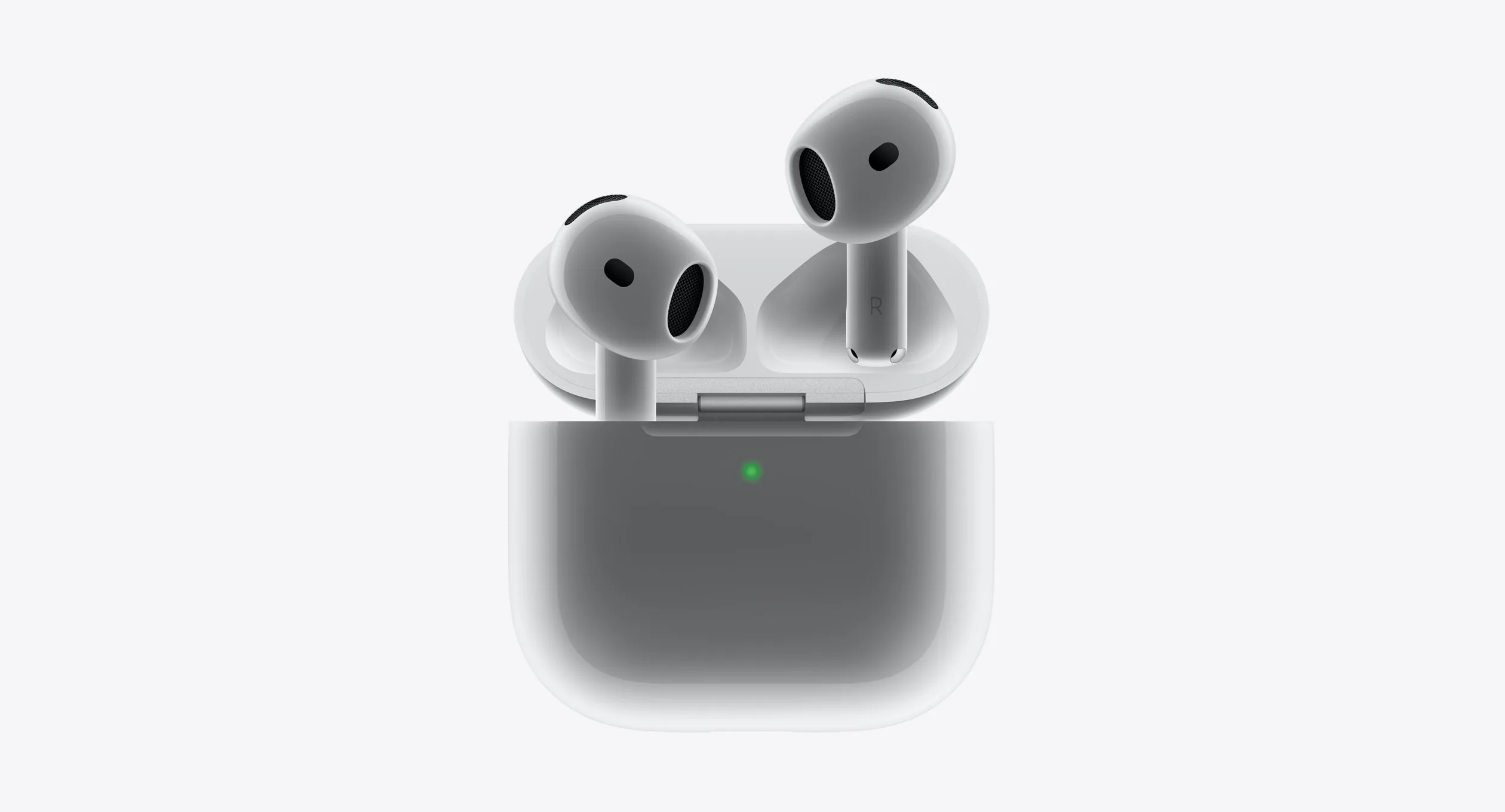
vs. AirPods
- How you control it
- Audio and model-specific playback controls
- Voice setup
- Headphone microphone selected in your Mac or voice app
- Platform
- Apple device support varies by AirPods model and feature
- Total cost
- Existing AirPods or a separate headphone purchase
Headphone audio, microphone and playback controls that vary by model.
Manufacturer information checked 7 October 2026. Features depend on model, software and setup. Follow the source for current pricing.
View product page