Speak a prompt
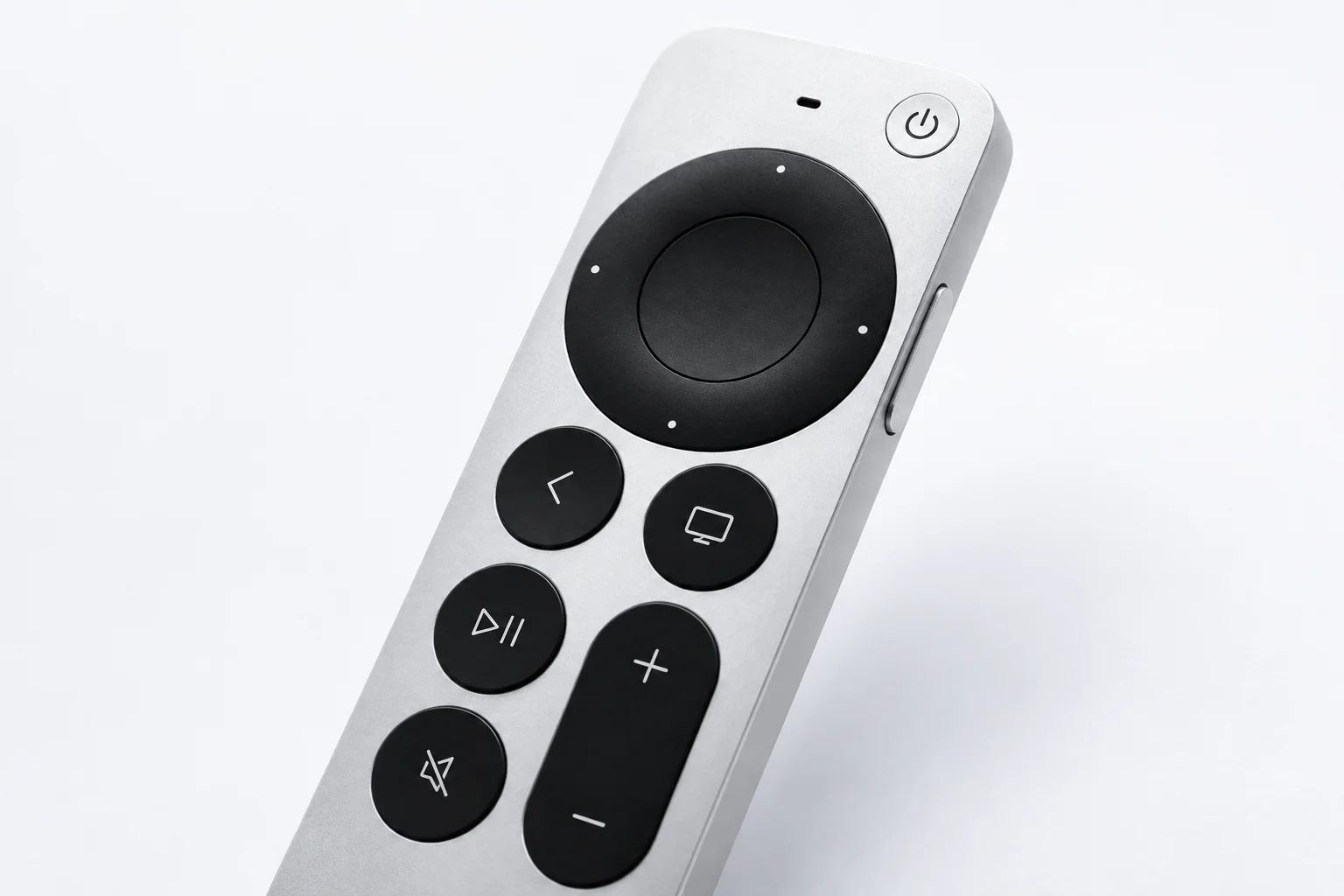
Trigger your configured dictation action and speak through the Mac microphone.
A Mac app for Siri Remote. Dictate prompts, scroll responses and use mapped shortcuts in Codex Desktop and Claude Desktop.
v0.2.3 beta · Apple silicon · macOS 13+
Remote not includedVoice uses your Mac microphone
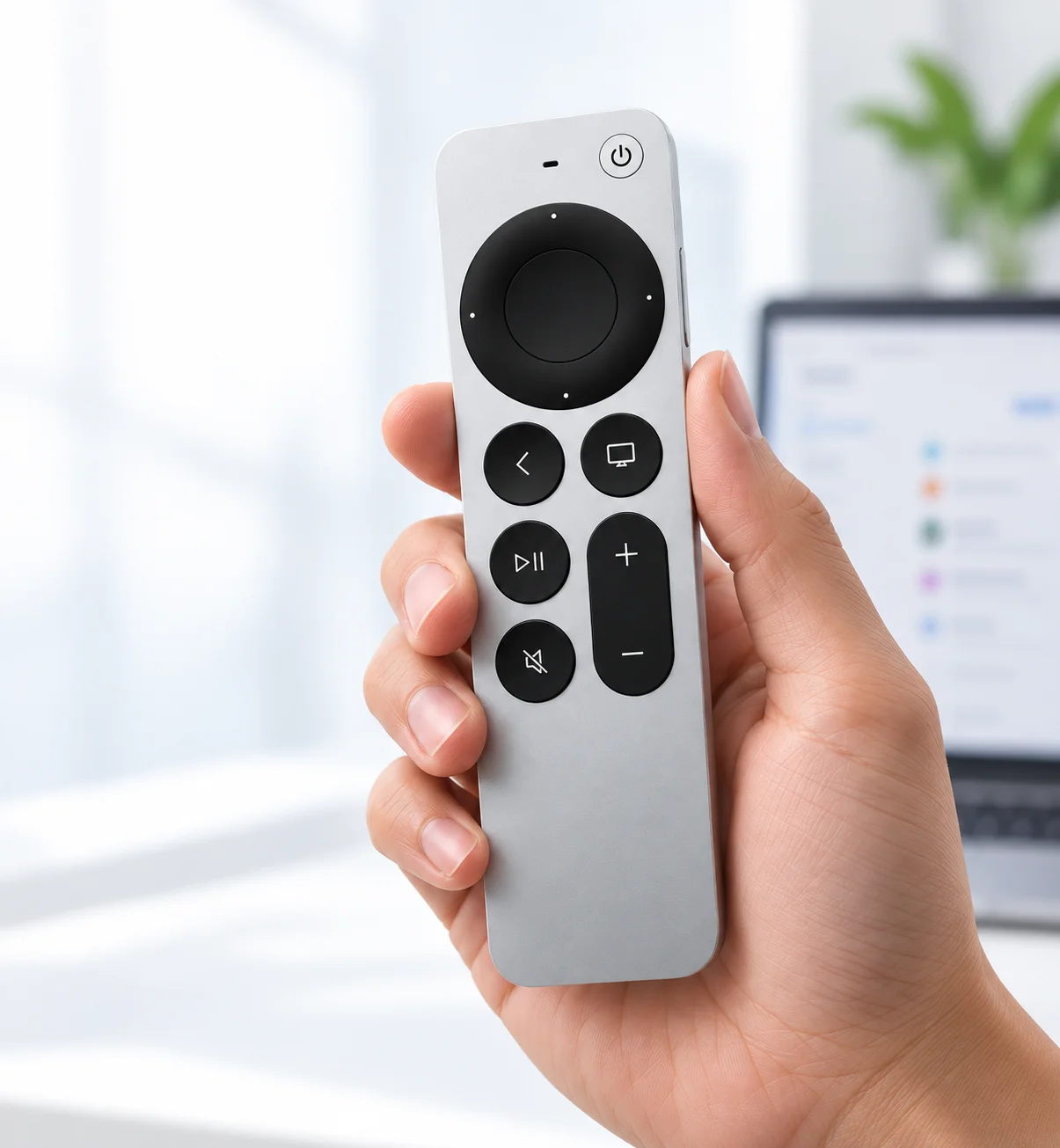
Trigger your configured dictation action and speak through the Mac microphone.
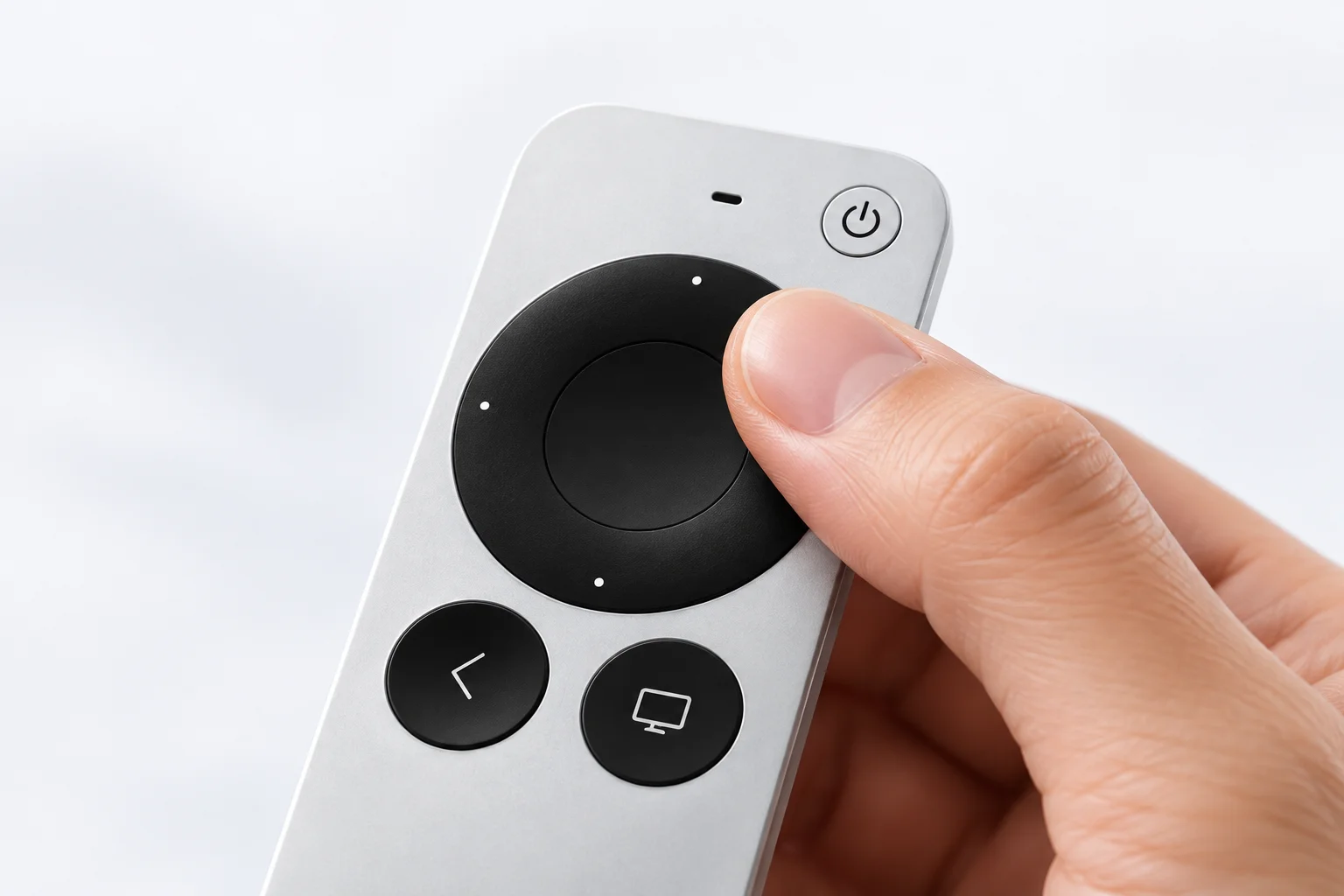
Swipe the Gen 3 ring to read responses, changes and documents.
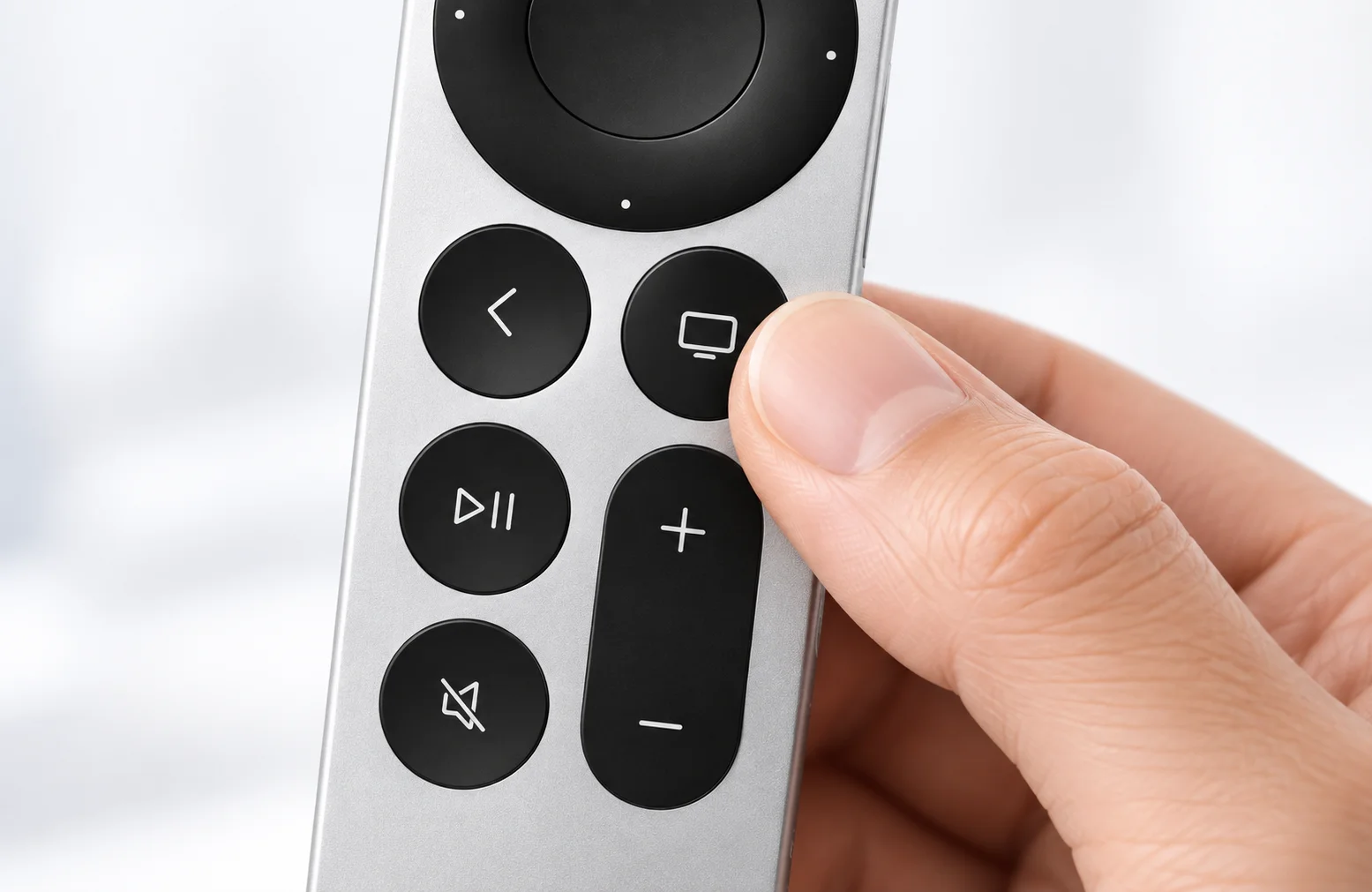
Keep frequent actions on mapped buttons. Shortcuts follow your active app.
See how SayRemote brings your desktop AI workflow to one hand: dictate, review and use your configured shortcuts.
Illustrated desktop workflow. Actions depend on your mapped shortcuts and active app. No microphone or AI connection is used here.
Choose a button on Siri Remote and assign the action or shortcut you need.
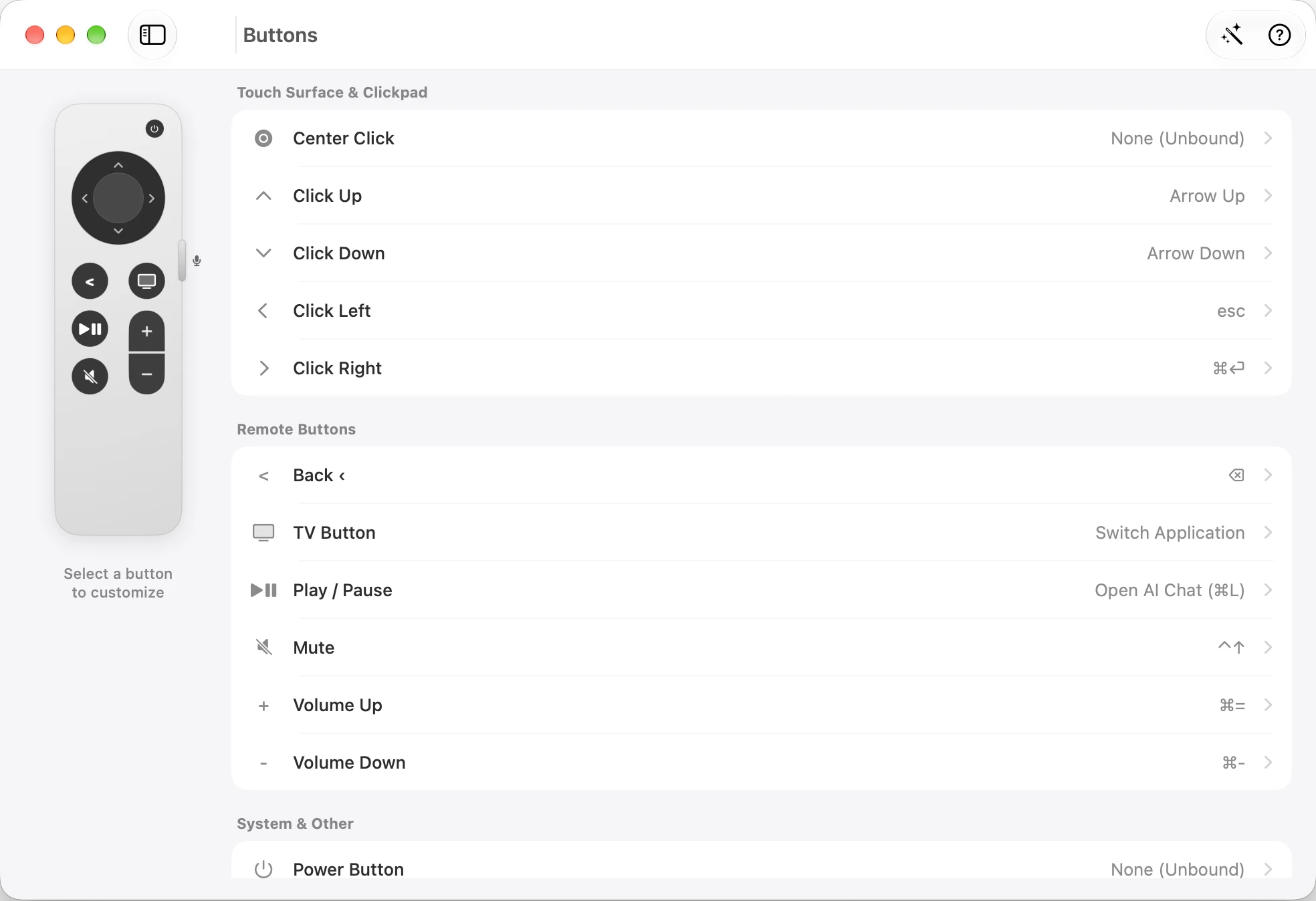
Open Buttons, select a control on the remote, then choose its action.
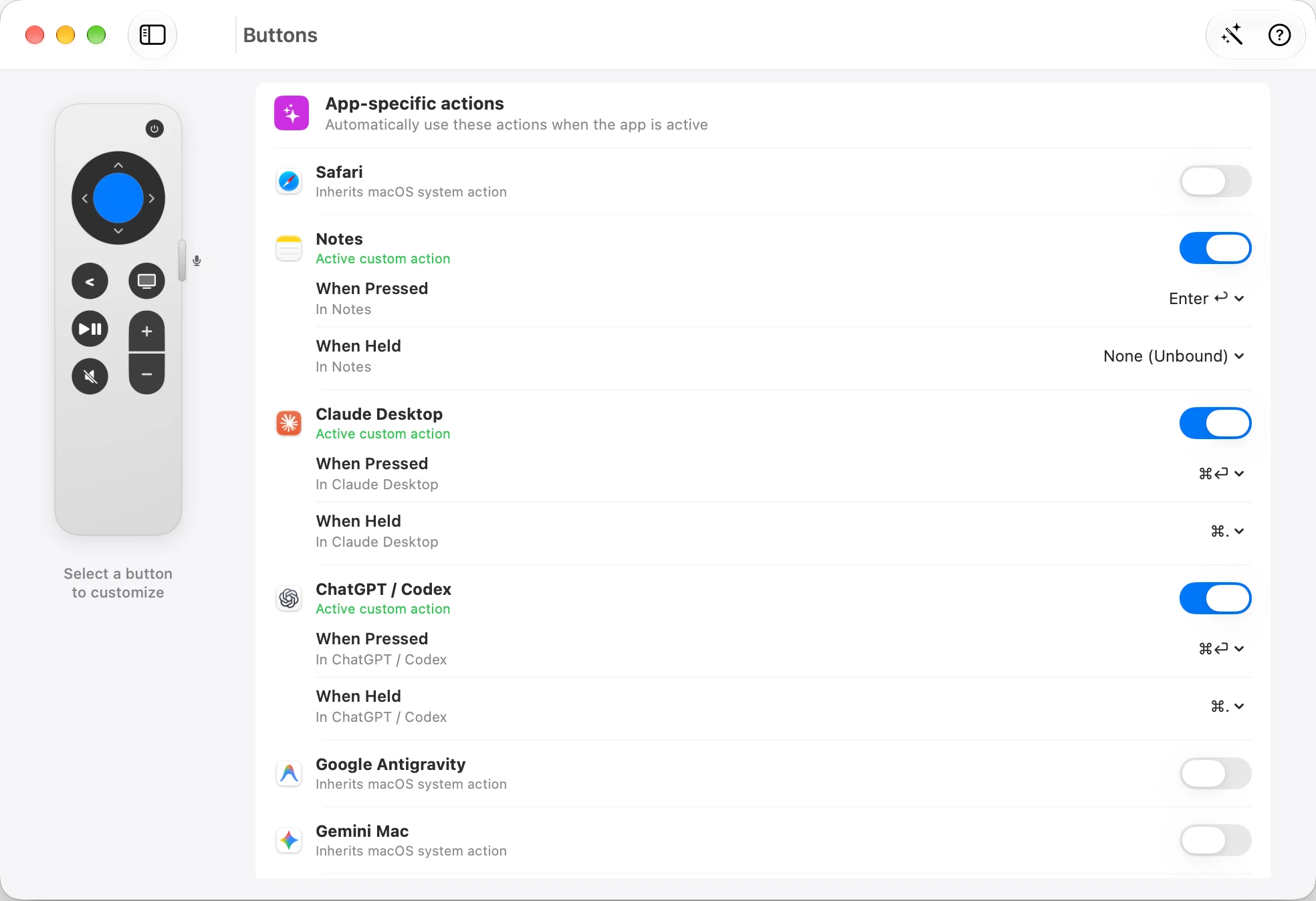
Keep a default action and customize it for the app in front, including the ChatGPT / Codex and Claude Desktop entries shown here.
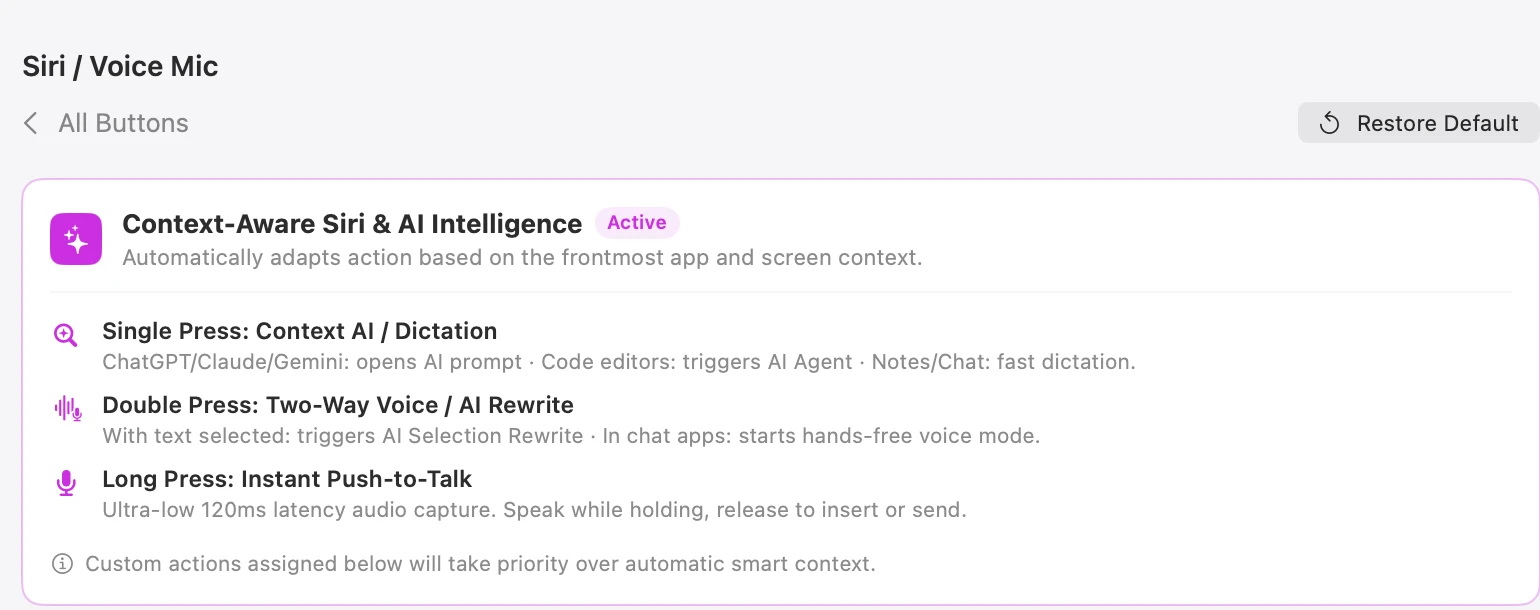
The Siri configuration separates single, double and long presses. Custom actions take priority over automatic context.
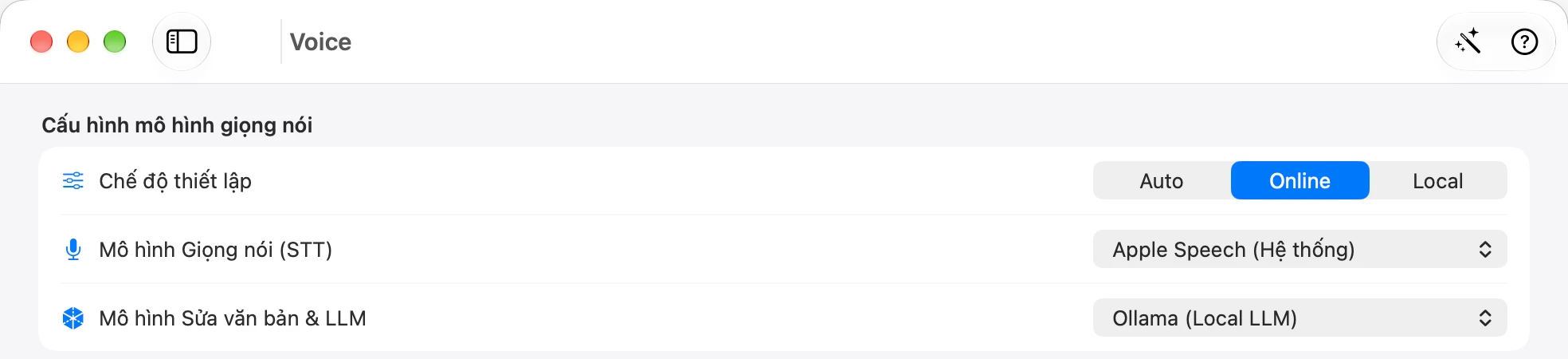
Voice shows Auto, Online and Local modes, plus separate speech recognition and text-model choices. Processing depends on the providers you select.
Author-provided app screenshots; interface language and options depend on the captured version.
Different requests. The same speak–review–act rhythm.
Describe a screen in Codex Desktop or Claude Desktop. Review the proposed changes before your next action.
Dictate the issue and expected behavior. Review the diff, then use the shortcut you mapped to your coding tool.
Ask AI to explain a function. Scroll through the answer, open reference docs, then ask a follow-up.
Dictate the change with your Mac microphone, scroll the proposal and use shortcuts you have mapped to Siri Remote.
Describe your request in Claude Desktop. Read the answer at your pace, then use a mapped shortcut to continue.
Use your Siri Remote to trigger configured voice shortcuts, scroll a long answer and return to the prompt. SayRemote keeps the next question within reach.
Select a draft and say how you want it changed. With a configured AI provider, SayRemote can rewrite the selection—or put the result on your clipboard.
Reading a long answer or reviewing a change? Lean back or stand up, with scrolling and configured shortcuts still in your hand.
Pause a track, change the volume or switch apps with your mapped Siri Remote buttons. Keep your Mac in control from your seat.
Development preview · The download is beta v0.2.3; Presenter Pro is not verified in that package.
Start with the app-only download. Button control, scrolling and your Mac microphone do not require the advanced remote audio installation.
Unzip the download, move SayRemote to Applications, then open the app.
Pair in Mac Bluetooth settings. Grant Accessibility and Input Monitoring.
Open Buttons to choose a remote button and assign its action. Test the mapping in the active app.
v0.2.3 beta · Apple silicon · macOS 13+
Pair your remote, grant the requested permissions, then test one shortcut in a focused window.
Download Mac betaDirect download · App-only ZIP · 7.5 MB
Remote not included
Check file hashesPlanned launch price: $19 for the app, one time. Sales are not open. Remote hardware and AI fees are separate.
The $19 price is planned, not a current offer. Trial, license, refund and update terms will be confirmed before sales open.
No for buttons, scrolling and voice through the Mac microphone. Full Setup is only for remote audio, if your setup meets its additional requirements.
Full Setup adds a system audio plug-in and an administrator-level capture service. Read the setup and privacy details before installing it.
Setup instructionsPresenter Pro preview
Explore digital Laser, Spotlight and a 2× magnifier in the Presenter Pro development preview.
Development preview · The download is beta v0.2.3; Presenter Pro is not verified in that package.
SayRemote is a Mac app. It maps Siri Remote Gen 3, Gen 1, Xiaomi Remote 2 Pro, or Xiaomi Remote Standard to pointer movement, scrolling and shortcuts. The remote is not included.
Keep your keyboard for detailed edits. SayRemote gives you another way to prompt, navigate and trigger frequent actions while reviewing work.
No for buttons, scrolling and voice through the Mac microphone. Full Setup is only for remote audio, if your setup meets its additional requirements.
Voice processing depends on your engine and settings. Local options include Apple Speech, WhisperKit and Ollama. Cloud providers such as Gemini and OpenAI send data to the service you choose and may charge fees.
SecurityNot yet. You can download the current beta here. The planned app price is $19 once; license, refund and update terms will be confirmed before sales open.
The app menu lists Siri Remote Gen 3, Siri Remote Gen 1, Xiaomi Remote 2 Pro and Xiaomi Remote Standard. Gen 3 is the documented setup. Touch ring and audio capabilities depend on the model.
Grant Accessibility and Input Monitoring for configured controls. Voice input also needs microphone permission. The setup guide explains each step.
Setup instructionsDownload the beta, connect your compatible remote and try scrolling or one mapped button.
v0.2.3 beta · Apple silicon · macOS 13+
Remote not included