Pointer and shortcuts
SayRemote turns Bluetooth input into local Mac actions. A shortcut can still open or control an app that connects to the internet.
Privacy, by mode
A remote button is local. AI services may not be. Choose your voice mode with a clear view of the audio source, processing and permissions.
v0.2.3 beta · Apple silicon · macOS 13+
Remote not included
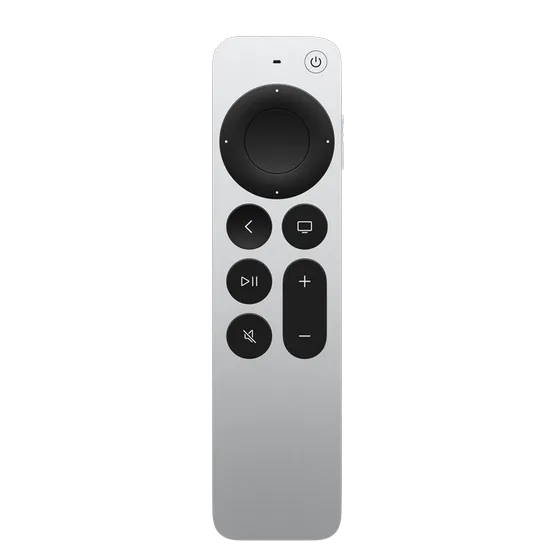
SayRemote turns Bluetooth input into local Mac actions. A shortcut can still open or control an app that connects to the internet.
Supported on-device recognition processes speech locally. Language and macOS support vary. Siri requests and third-party voice apps have their own data policies.
Native cloud transcription sends audio to OpenAI. Optional cleanup and selection rewriting send text to your configured AI provider. Credentials and usage costs are your own.
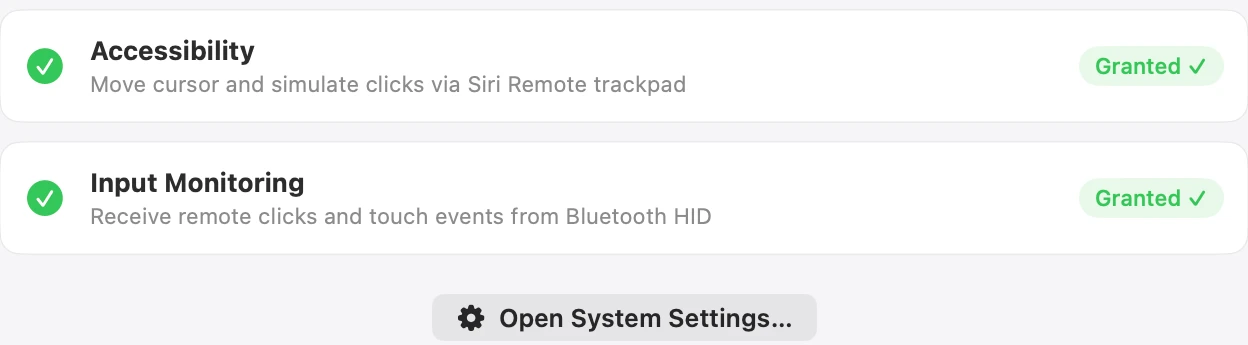
Accessibility enables pointer actions and shortcuts; Input Monitoring receives remote input. Voice may also need microphone permission.
Author-provided app screenshots; interface language and options depend on the captured version.
Full Setup adds a CoreAudio plug-in and a root capture service. With PacketLogger available, it uses Bluetooth diagnostic capture to receive remote audio. This relies on an undocumented Apple protocol and can vary across macOS versions. Use the supplied uninstaller to remove the stack.
Setup instructionsEnter credentials in the app. Certificate-bound builds use a Keychain helper; ad-hoc beta builds use a local permissions-restricted credential file. That file does not protect against malware running as your user.
The project is GPL-3.0 open source. Download hashes are provided for the included packages. A matching hash checks file integrity, not notarization or a security certification.
Voice shows Auto, Online and Local modes, plus separate speech recognition and text-model choices. Processing depends on the providers you select.
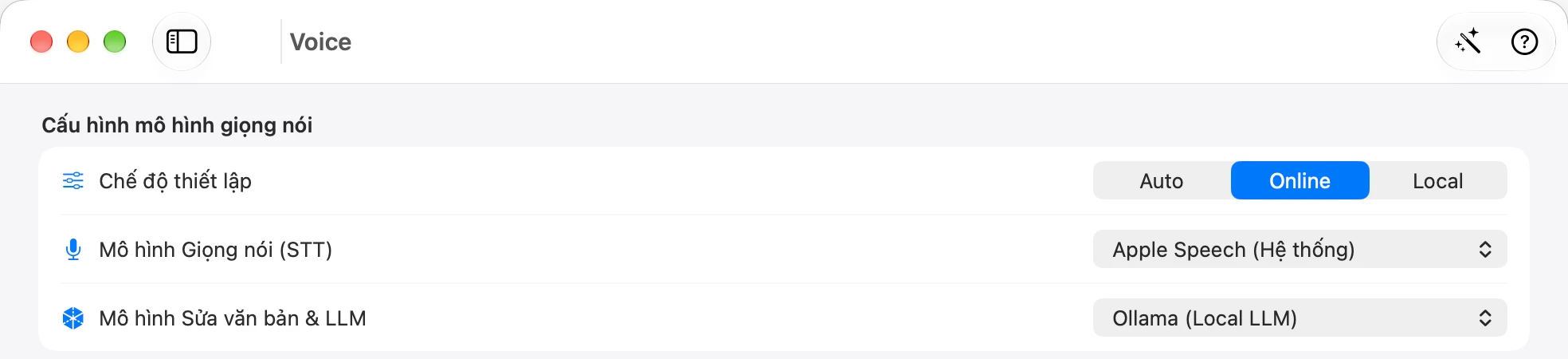
Voice shows Auto, Online and Local modes, plus separate speech recognition and text-model choices. Processing depends on the providers you select.
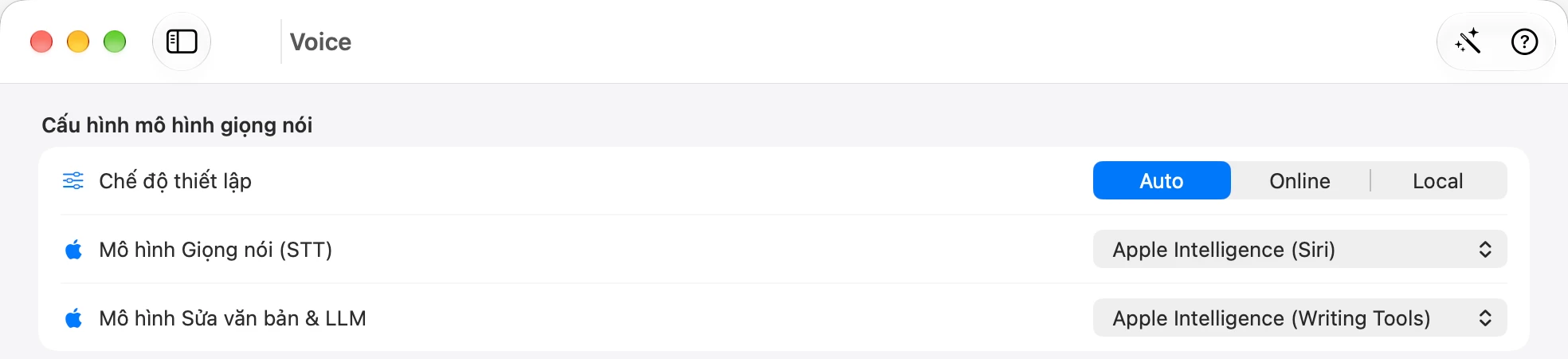
This capture shows Apple Intelligence selected for speech and text. Availability depends on your Mac and system configuration.
Author-provided app screenshots; interface language and options depend on the captured version.
Try one workflow with the remote you already have.
v0.2.3 beta · Apple silicon · macOS 13+
Remote not included